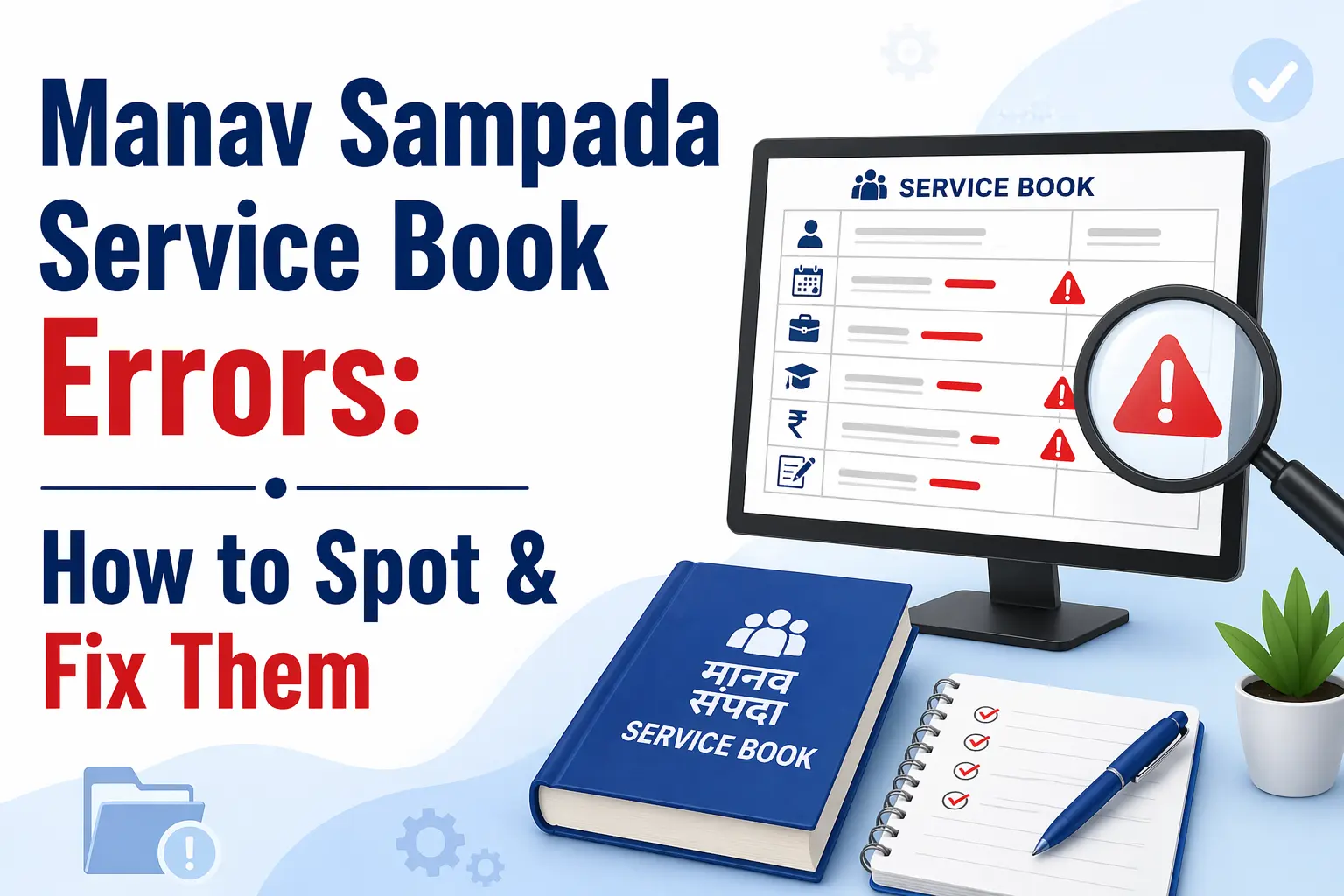
Manav Sampada Service Book Errors: How to Spot & Fix Them
Picture this: you have been a government school teacher in Uttar Pradesh for eleven years. A promotion opportunity comes up. You log into your Manav Sampada account to pull up your e-Service Book — and your date of birth is wrong. Not slightly off. Wrong by four years. Which means your service length looks shorter than it actually is, your pay scale history does not match, and suddenly you are staring at a problem that has nothing to do with your actual performance.
This kind of thing happens more often than government departments like to admit. The Manav Sampada portal’s e-Service Book is the digital backbone of every UP government employee’s career — promotions, increments, transfers, pension calculations, even loan eligibility all flow through it. When it has an error, the ripple effects can be serious and surprisingly hard to undo quickly.
This guide walks you through what errors commonly appear, why they happen, how to identify them before they cause damage, and — most importantly — the exact process to get them corrected.
What Is the e-Service Book on Manav Sampada?
Before digital systems arrived, every government employee had a physical service book — a thick file maintained by the department office, updated by hand whenever a promotion happened, a transfer came through, or a pay revision was processed. If that file went missing or an entry was skipped, you had no recourse other than hunting through old department records.
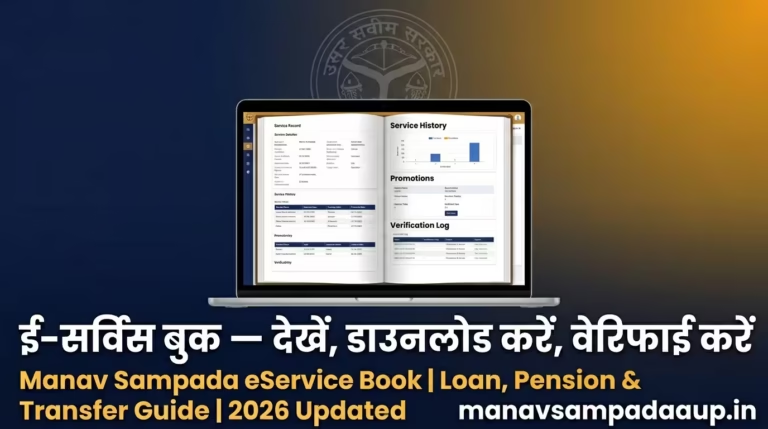
The Manav Sampada e-Service Book replaced all of that. It is a structured digital record inside the eHRMS UP portal (ehrms.upsdc.gov.in) that stores:
- Personal details: name, date of birth, gender, father’s name
- Joining and appointment information: first posting, joining date, designation at appointment
- Education and qualification details
- Entire service history: every transfer, promotion, and pay revision
- Leave records
- Family information and nominees
- Awards, training completed, and ACR summaries
- Departmental proceedings (if any)
This record is legally valid. It is what your department references when processing your pension. It is what banks check when you apply for a government employee home loan. Getting any part of it wrong is not a minor inconvenience — it is a record problem that has to be formally corrected.
The Most Common Errors Found in Manav Sampada Service Books
1. Wrong Date of Birth
This is the single most consequential error and unfortunately one of the most frequently reported. The issue usually originates during the initial data entry when the department first registered the employee in the system. A transposition error — say, entering 1978 instead of 1987 — looks small but affects retirement date calculations, service length, and pension commencement.
If your date of birth on the portal does not match your Aadhaar, birth certificate, and 10th board certificate, flag this immediately. Do not wait until it creates a downstream problem.
2. Missing or Incomplete Promotion Entries
Many employees discover that a promotion they received two or three years ago is simply absent from their e-Service Book. The promotion order was issued, they started drawing the higher pay, but the entry never made it into Manav Sampada.
This happens when department data entry operators fall behind on updates, or when an employee transferred between departments and their records did not migrate properly. It is a painless error to have while everything is running smoothly — and a serious one when you need that promotion history verified for the next seniority-based increment.
3. Incorrect Joining Date
Your joining date determines your incremental dates, your seniority rank within the department, and your eligibility for certain service-linked benefits. If it is entered incorrectly — even by one day in some cases — it can create a mismatch that causes issues during annual increment processing.
4. Name Spelling Mismatch
This one seems trivial, but it is not. If your name in the Manav Sampada system does not exactly match your Aadhaar card, PAN card, or bank account records, it creates a verification problem. Pension payments, salary crediting, and official communication all depend on the name matching across systems.
A missing middle name, an alternate spelling of a surname, or a hyphen that got dropped during data entry — any of these can create a mismatch that becomes a headache to untangle.
5. Service History Gaps After Transfer
This is especially common among teachers who transferred between districts under the Basic Education Department. When a transfer happens, the releasing office closes out your record on their end. The receiving office is supposed to pick it up and continue updating it. Sometimes that handoff does not happen cleanly, and you end up with a gap in your service history covering months of actual service.
6. Wrong Pay Scale or Grade Pay Entry
Pay revisions — particularly those linked to the Seventh Pay Commission — required a lot of manual data updates across all departments. Errors crept in during this period. Some employees still have an old pay scale reflected in their service book that does not reflect their current grade, which creates issues during salary audits and loan applications.
How to Check Your e-Service Book for Errors
You cannot fix what you have not spotted. Here is how to access and review your service book on the Manav Sampada UP portal:
Step 1: Log in at ehrms.upsdc.gov.in using your Employee ID and password. Make sure you select the correct department code from the dropdown — for Basic Education teachers, this is EDUBASIC.
Step 2: From your dashboard, navigate to: Employee Services → Service Records → Digital Service Book
Step 3: Enter your EHRMS Code when prompted and complete the CAPTCHA.
Step 4: Your service book will load across multiple sections. Go through each one methodically — do not just skim the first page.
Things to check specifically:
- Is your date of birth correct? Cross-reference against your Aadhaar.
- Is your joining date accurate?
- Are all your promotions listed, with the correct effective dates?
- Does your pay scale history match what you have actually been receiving?
- Are transfers recorded correctly, including both the release date from the previous office and the joining date at the new one?
- Is your name spelled exactly as it appears on your official documents?
Take a screenshot or download a PDF of your service book once you have reviewed it. Keep this as a reference point before initiating any correction request.
Who Can Actually Make Corrections in the System?
This is where many employees get confused. They log into their Manav Sampada account, see an error in their service book, and look for an “edit” button. There is none — and that is by design.
Employees cannot directly edit their own service book entries. Corrections flow through a specific chain of authorised users within the portal:
Data Entry Operator / Establishment Incharge: The first level of entry and correction. They can update service book details for employees in their department.
Verifying Officer: Reviews and verifies entries before they are finalised. Can also update entries during the verification stage.
e-Correction User: A specifically authorised role within the system. Even after a service book has been verified and locked, an e-Correction User can open and update specific entries. Not every department office has this role — in some cases you may need to escalate to the district level.
Your Nodal Officer coordinates access to these roles. They are your first point of contact for any correction request.
The Correct Process to Get an Error Fixed
There is a standard way to do this, and skipping any step tends to slow things down.
Step 1: Document the error clearly
Before approaching anyone, prepare a simple written note that specifies:
- What the current entry shows
- What the correct entry should be
- Which official document proves the correction (Aadhaar for DOB, joining order for service dates, promotion order for promotion entries, etc.)
Keep photocopies of all supporting documents ready.
Step 2: Submit a formal correction request to your Nodal Officer
The Nodal Officer is the designated person in your department or district office who manages Manav Sampada-related administrative tasks. Submit your correction request to them in writing, along with all supporting documents.
Many departments have a standardised correction format — a structured form that lists each section of the service book and the specific change needed. If your department uses one, ask for it and fill it in. It speeds up the process considerably.
Step 3: Follow up
Corrections do not happen automatically after you submit the request. The Nodal Officer needs to either make the change directly or escalate to an e-Correction User depending on what has been locked and at what level. Check back within 7 to 10 working days. If there is no update, follow up again — this is normal, not rude.
Step 4: Verify the correction was made
Once you are informed that the correction has been processed, log back in and check your service book again. Download a fresh PDF. Confirm that the specific entry now shows the correct information. If anything still appears wrong, raise it immediately rather than assuming it will sort itself out.
What If the Nodal Officer Cannot Fix It?
Some corrections — particularly those involving records that were originally entered and verified years ago — cannot be changed at the department level alone. In these cases, the issue needs to be escalated.
The escalation path depends on your department. For Basic Education (EDUBASIC) teachers, district-level BSA office involvement is sometimes required for older service record corrections. For Health department employees, the CMHO office may need to be involved.
If you have been going back and forth for more than three to four weeks without resolution, you can also contact the Manav Sampada helpline directly:
- Toll-free: 1800-1800-0666
- Direct lines: 0522-2780391 / 0522-4024667
- Email: [email protected]
- Hours: Monday to Saturday, 10 AM to 5 PM
When calling, have your Employee ID, the specific error you are reporting, and the reference number of any previous correspondence ready. The helpline can flag the issue at the NIC level if the department-level correction pathway is blocked.
Why You Should Not Wait to Fix This
Service book errors have a way of feeling harmless until they are not. Most employees discover there is a problem only when something important depends on the service book being accurate — a promotion review, a pension calculation, a loan application, a court case involving service record disputes.
At that point, the correction process takes the same amount of time it would have taken earlier, except now there is urgency and stress attached to it. And in some cases, like a pension file that has already been processed with wrong data, unwinding the error becomes significantly more complicated.
The practical advice is simple: open your e-Service Book once a year, go through it section by section, and flag anything that looks off. Treat it the way you would treat your bank statement. It should reflect reality — and if it does not, better to know now.
A Note for Newly Joined Employees
If you have recently joined a UP government department and your profile has just been created on the Manav Sampada portal, it is worth verifying your service book within the first few months of joining — not after a year.
Data entry errors at the point of initial registration are far easier to correct early than after they have been verified and locked. Your department’s data entry operator can make adjustments much more quickly when the record is fresh. After it goes through the verification stage and gets locked, the correction path becomes longer.
Check your date of birth, your joining date, your name spelling, and your initial designation. If anything is wrong, raise it immediately. A simple email to your nodal officer with your correct documents is all it takes at that stage.
Found an error in your Manav Sampada service book that this article did not cover? Leave a comment below and I will try to help.